 Alert Cards
When words won’t come, your card speaks for you.
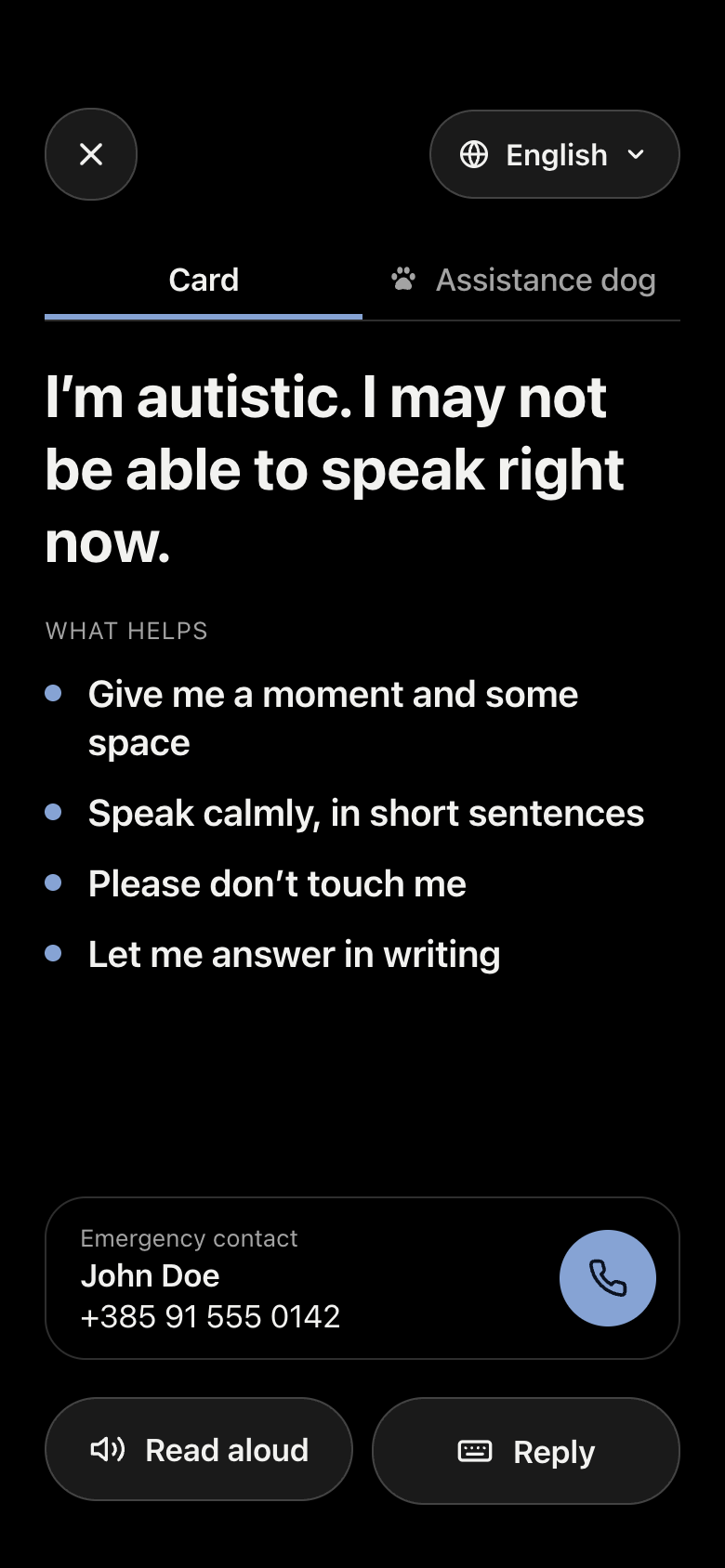
Alert Cards shows a calm, full-screen card that explains what’s happening and what helps. Hand your phone over and it shows in their language, reads aloud, and lets them type back. For autism, ADHD, hearing loss, epilepsy, anxiety, or in your own words.
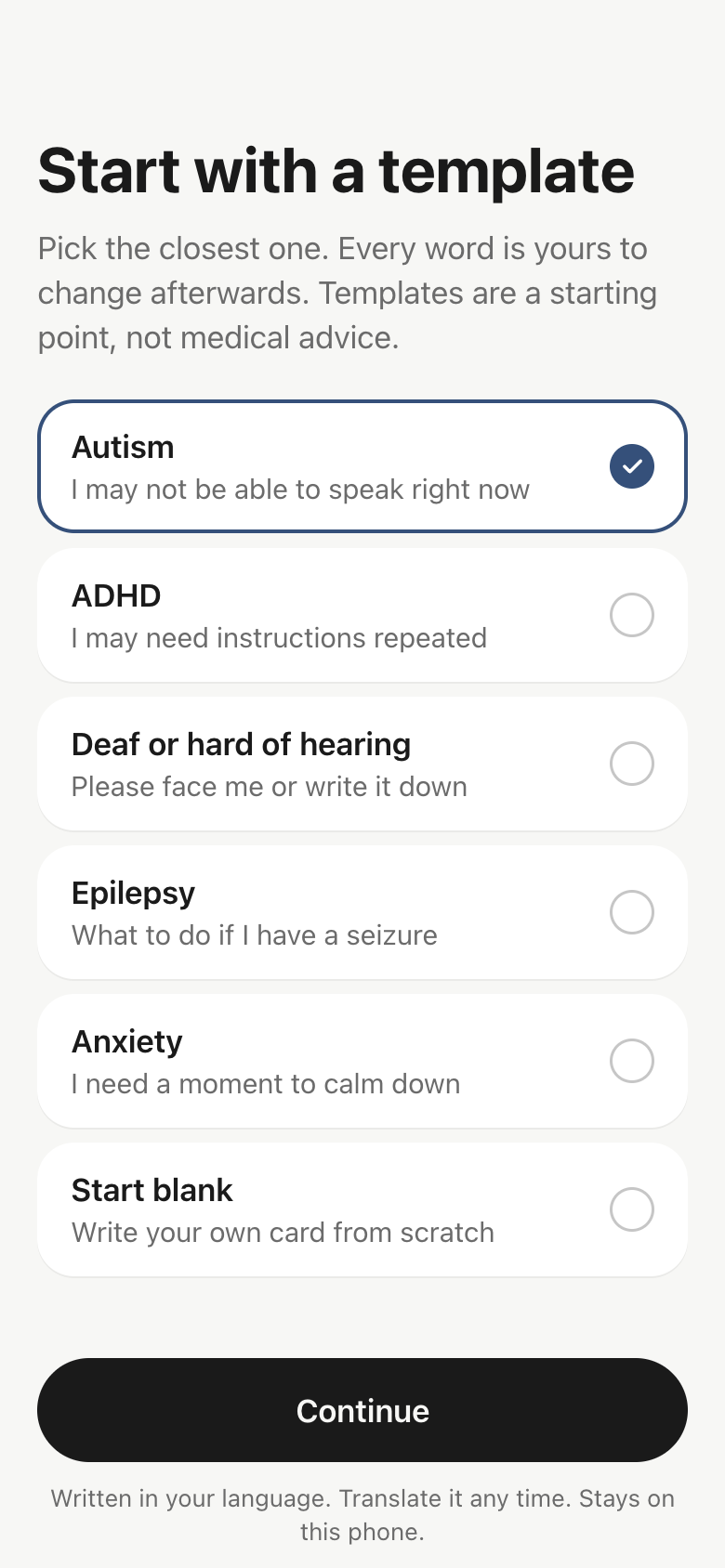
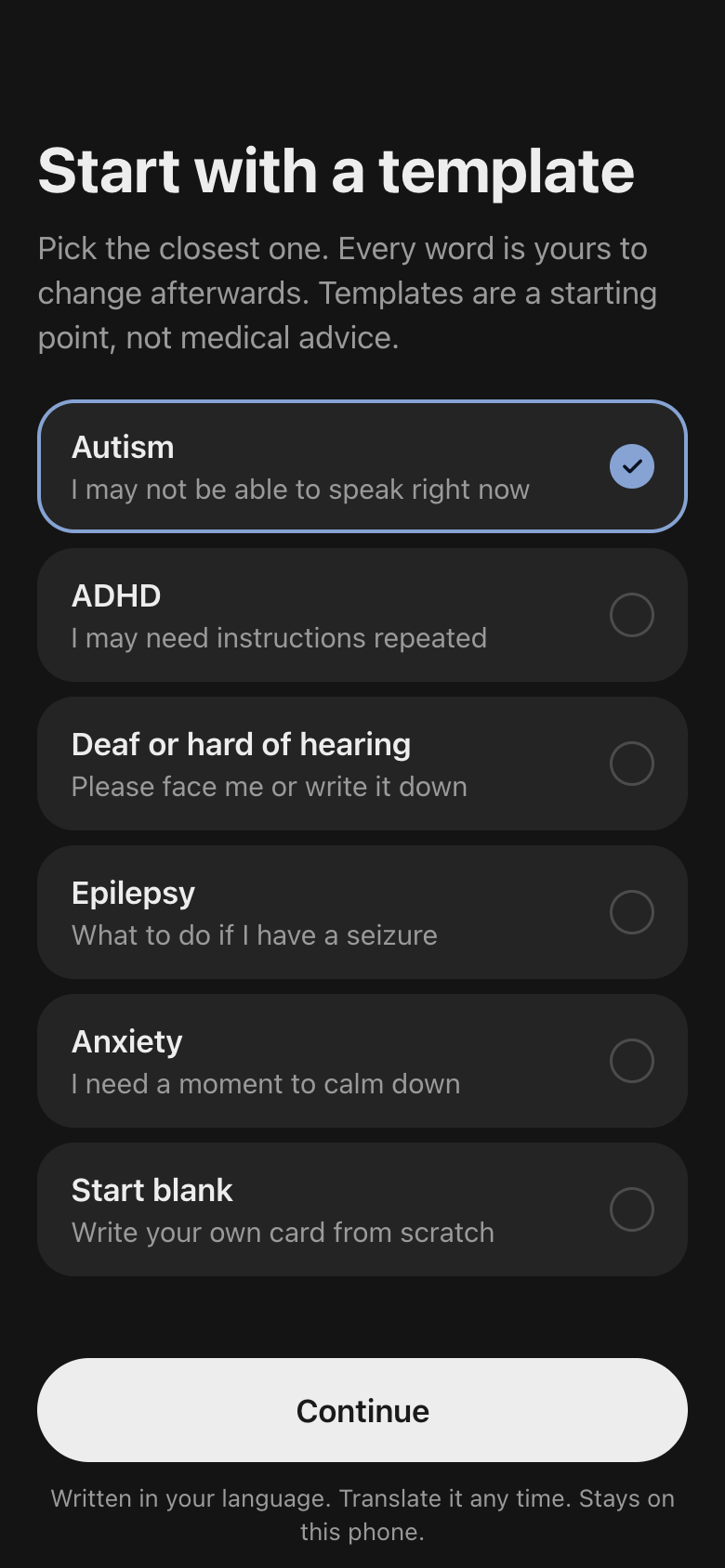
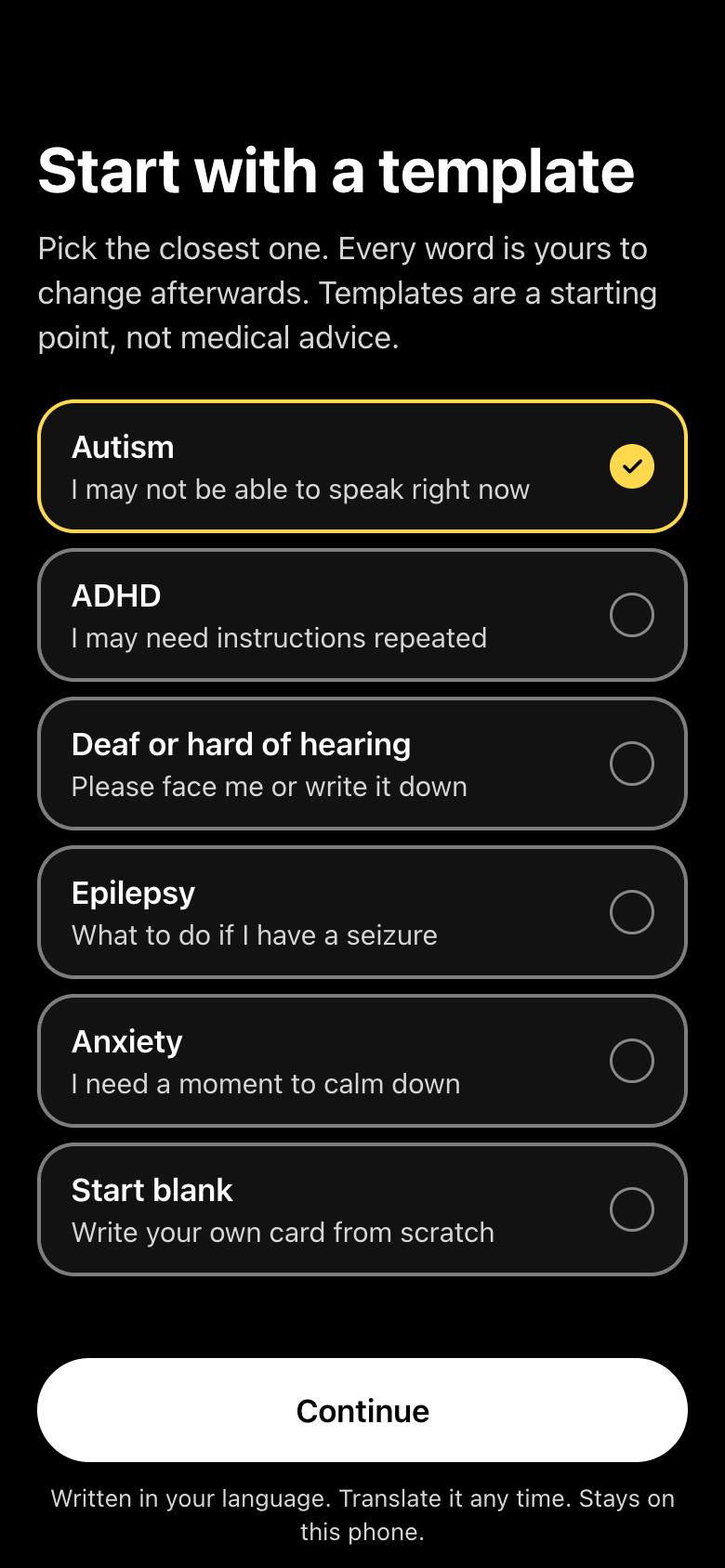
Ready before you need it.
Write your card
Start from a template for autism, ADHD, hearing loss, epilepsy or anxiety, or start blank. Add what helps, an emergency contact and your assistance dog. Every word is yours to change.
Open it in one move
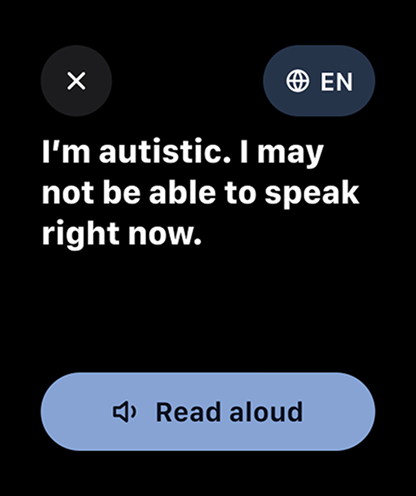
From the Lock Screen widget, Control Center, the Action button, Apple Wallet or your Apple Watch. No unlocking, no searching through apps.
Hand it over
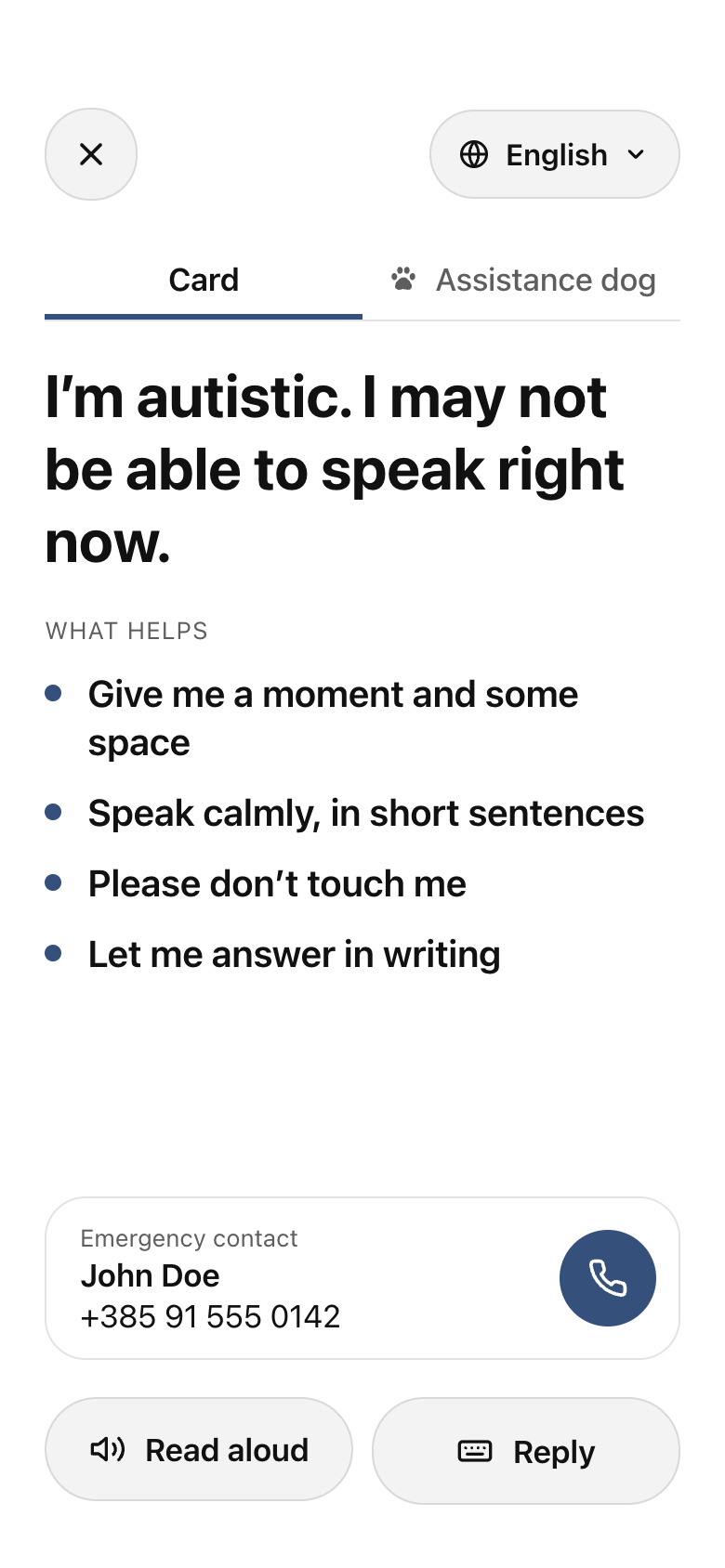
The card fills the screen and keeps it awake. The other person can switch it to their language, hear it read aloud, or type a question back to you.
Made for the hard moment, not the settings screen.
Any language, on the spot
Translated on your iPhone with Apple’s on-device translation. Save your own wording for the languages you use most.
Read aloud
One tap reads the card in the language it’s shown in, for people who can’t or won’t read a screen.
Reply by typing
The other person types a question in big text and the card reads it back. Nothing typed there is saved.
Assistance dog panel
A second panel explains that your dog is working, what they do, emergency commands, and who to call to collect them.
Emergency contact
Someone who knows you, shown on the card with a call button the other person can tap.
Calm to look at
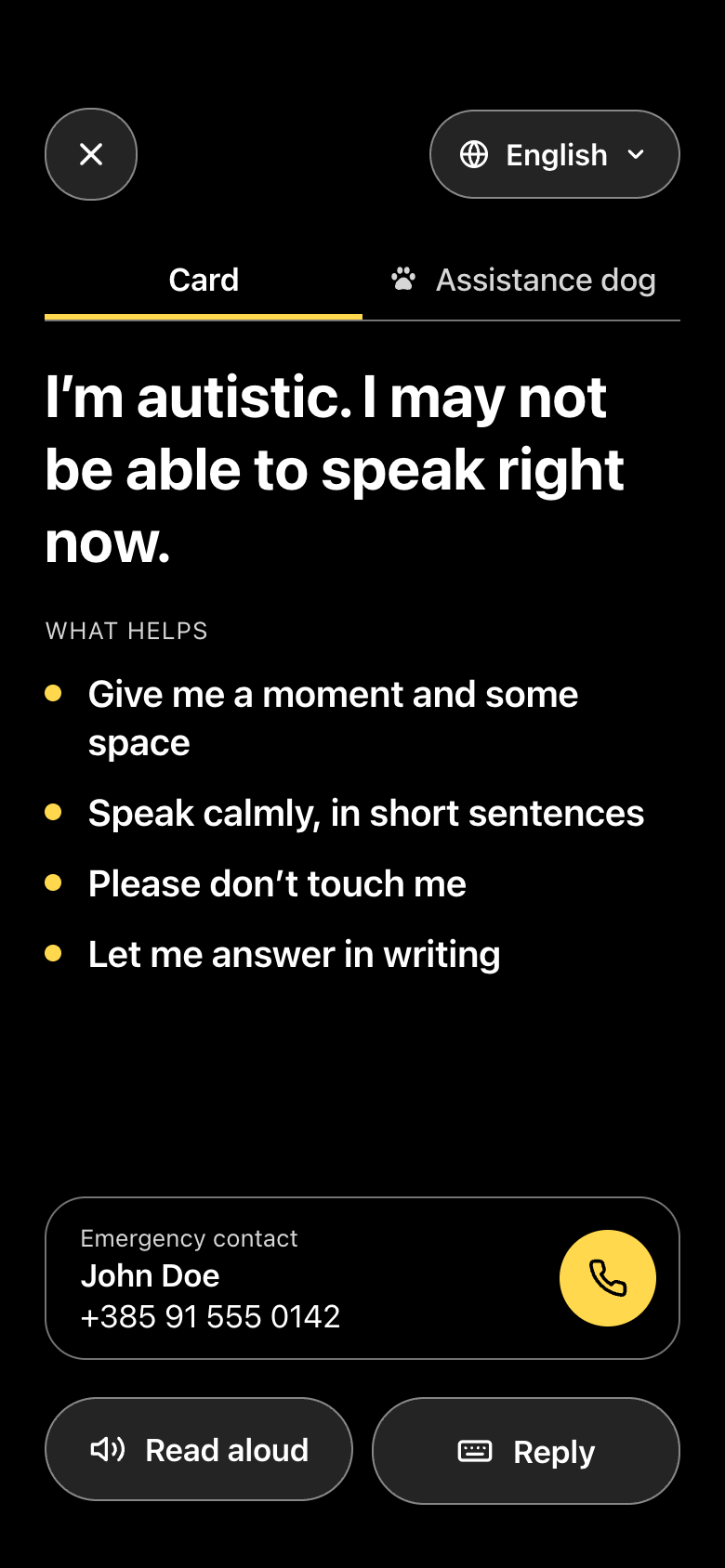
Paper, Night and High contrast themes. Text follows your iPhone’s Text Size, and the screen stays awake while the card is shown.
One gesture away, even when your phone is locked.
Your card stays on your devices.
No account
No sign-up, no email, no password. Open the app and write your card.
Stored on your iPhone
What you write is stored on your iPhone and Apple Watch, and translation runs on the device. Only a Wallet pass, if you add one, is signed by our server, which keeps nothing.
No ads, no analytics
We don’t track you and we don’t sell anything about you. There’s nothing to sell.
Free. Every feature, for everyone.
Alert Cards is an independent project. There’s nothing to unlock. If it helps you, an optional tip in the app keeps it free for the next person.
Is Alert Cards really free?
Yes. Every feature is free, with no ads and no subscription. You can leave a one-time tip in the app, but it doesn’t unlock anything.
Does it replace Medical ID or calling emergency services?
No. Alert Cards helps you communicate with the people around you. It isn’t a medical device and doesn’t contact anyone for you. In an emergency, call 112 or your local number, and keep Medical ID set up on your iPhone.
Which languages can it show my card in?
Any language Apple’s on-device translation supports on your iPhone. Automatic translations are marked as such. For languages you use often, you can save your own wording, which always takes priority.
Does it work without internet?
Yes. Your card is always available offline. Each translation language downloads once, then works offline too.
Do I need an Apple Watch?
No. The iPhone app does everything on its own. If you have an Apple Watch, your card syncs to it automatically. Requires iOS 18 or later and watchOS 11 or later.
Can our association recommend it to members?
Please do. We’re happy to work with associations, schools and support organisations on templates and translations. Get in touch.